BLOG DETAILS


Sachin Pathak

Linux

11 March, 2026
Linux Performance Tuning for Production Servers
Most production issues trace back to a handful of Linux fundamentals. A little tuning and the right tools prevent a lot of 3am pages.

Know your tools
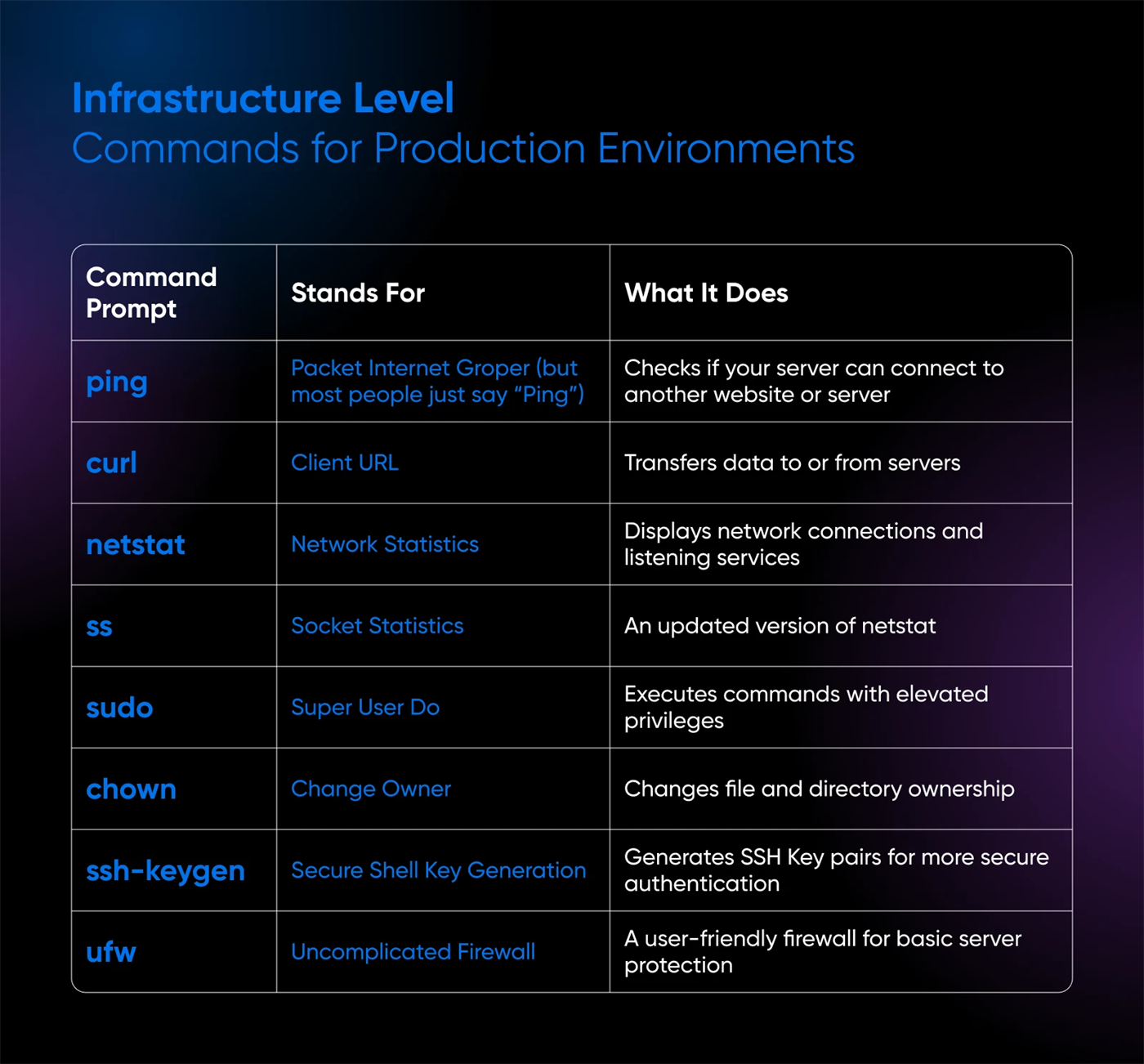
top and htop, iostat, vmstat and ss tell you whether you are CPU, memory, disk or network bound — diagnose before you change anything.
Quick wins
A few commands surface the usual suspects fast.
# raise open file limits
ulimit -n 65535
# see what is eating memory
ps aux --sort=-%mem | head
# watch disk I/O live
iostat -xz 1
Tune deliberately
Adjust file descriptors, swappiness and TCP backlog for your workload — measure before and after, and change one thing at a time.
Key Takeaways
- Profile before you tune — measure with top, vmstat, iostat and perf first.
- Kernel sysctl tuning of file handles and network buffers lifts throughput under load.
- Match the I/O scheduler and filesystem to the actual workload.
- Watch CPU steal, swap and context switches as early saturation signals.
- Document every change — reproducibility beats one-off magic numbers.
Wrapping Up
Performance tuning is measurement first: find the real bottleneck, change one thing, and verify. Linux rewards the disciplined.
3 Comments +7
Ashish Dubey
09 Jan 2026Profile before you tune — I’ve wasted days ignoring that advice. Spot on.
Prabhanshu Arya
10 Jan 2026sysctl network buffer tuning gave us real throughput gains under load.
Suneel Singh
12 Jan 2026CPU steal as a saturation signal — great tip for noisy-neighbour VMs.