BLOG DETAILS

Sachin Pathak

CI/CD

06 May, 2026
Jenkins Pipelines as Code with Jenkinsfile
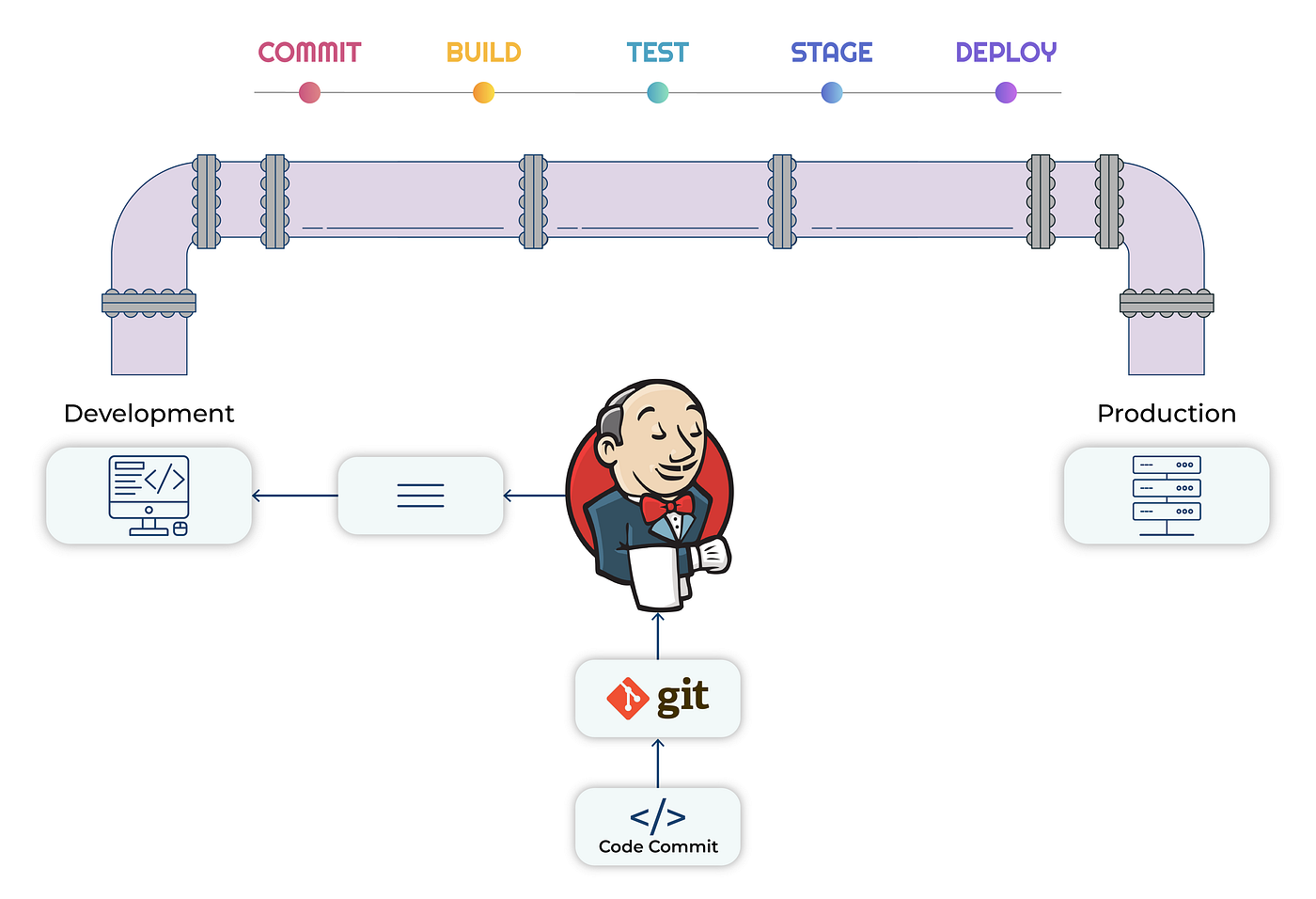
Click-built Jenkins jobs do not scale or version. A Jenkinsfile puts your whole pipeline in source control, reviewed like any other code.
Declarative pipelines
Define stages, steps and post-actions in one file that lives with the application, so the pipeline evolves with the code.
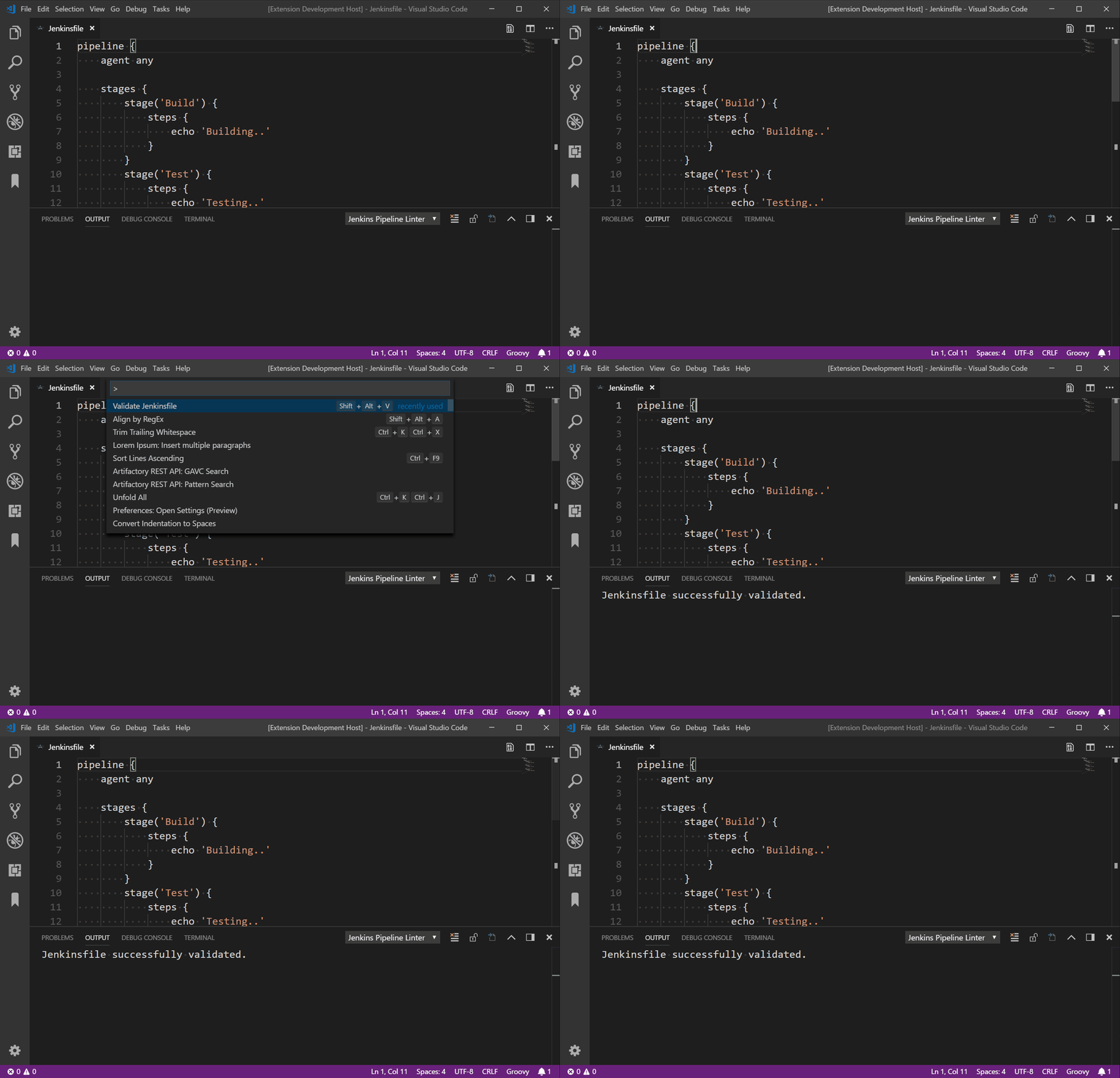
A starter Jenkinsfile
Build, test and deploy as explicit, ordered stages.
pipeline {
  agent any
  stages {
    stage('Build') { steps { sh 'docker build -t app .' } }
    stage('Test')  { steps { sh 'make test' } }
    stage('Deploy'){ steps { sh './deploy.sh' } }
  }
}
Shared libraries
Extract common logic into a shared library so every team pipeline stays DRY and consistent, and a fix lands everywhere at once.
Key Takeaways
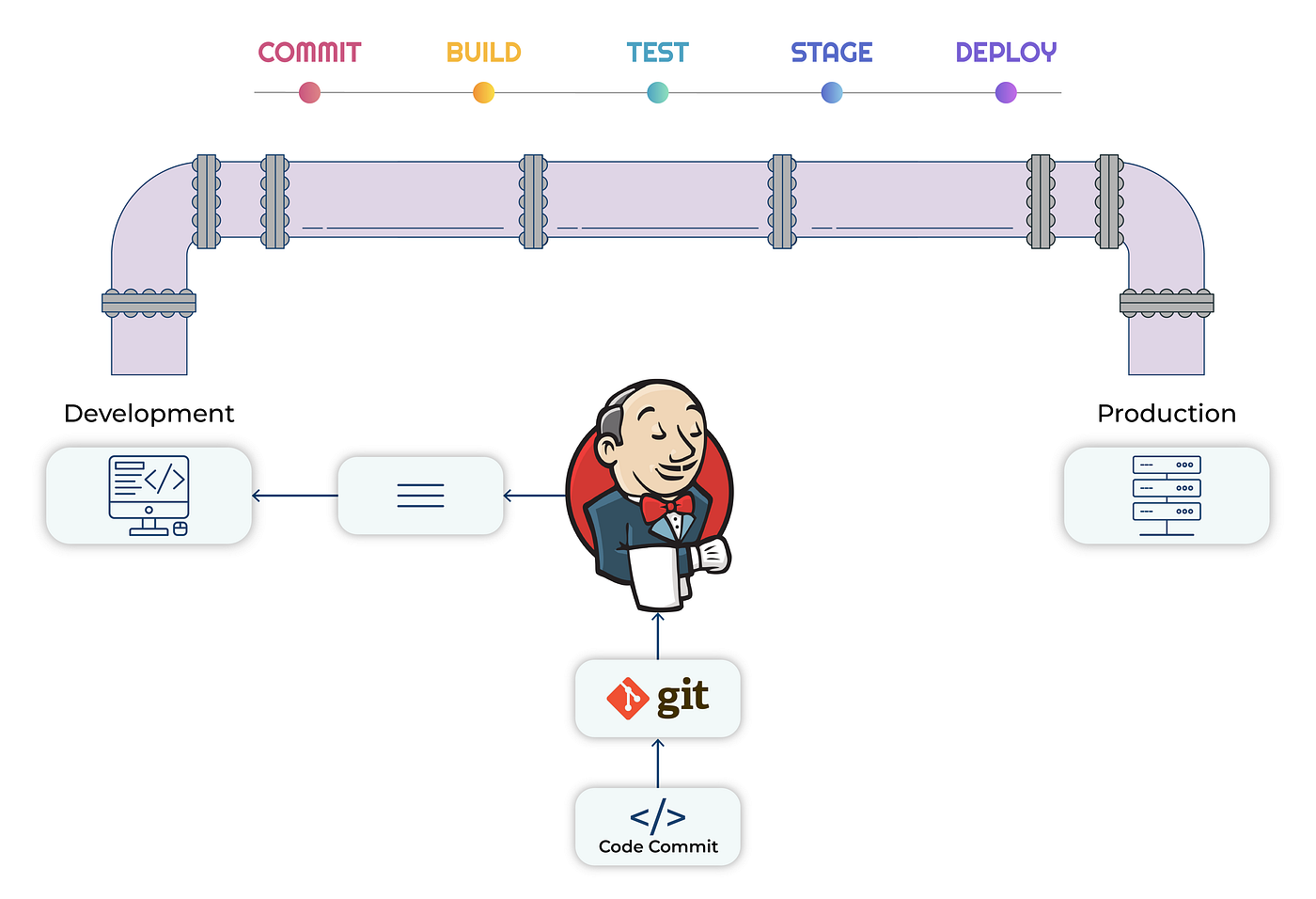
- Declarative Jenkinsfiles keep pipelines in source control next to the code.
- Stages and parallel steps model build, test and deploy clearly.
- Shared libraries standardise pipelines across many teams.
- Agents and labels distribute load and isolate build environments.
- Credentials binding keeps secrets out of logs and scripts.
Wrapping Up
Pipeline as code makes Jenkins reproducible, reviewable and portable across teams.
3 Comments +6
Devansh Tiwari
17 May 2026Declarative Jenkinsfiles in source control finally got our pipelines under review.
Vivek Shah
18 May 2026Shared libraries standardised pipelines across five teams for us. Big win.
Shivani Pandey
20 May 2026Credentials binding keeping secrets out of logs — learned that one the hard way.